 Sir Auditor Uviesherhe
A school-fee deadline can make a rushed message look convincing. University fee payment scams often depend on that pressure, using fake portals, changed account details, impersonated staff, or agents who claim they can solve a problem quickly.
Students and parents can pay safely without becoming suspicious of every message. The habit that matters most is simple: find payment instructions independently through the university’s official website or published contact details before money leaves your account.
Key Takeaways
- Use the payment route shown inside your own university portal or in a current notice on the institution’s official website.
- Confirm the fee purpose, session, student name, amount, recipient, and payment reference before approving any transaction.
- Treat urgent WhatsApp messages, social-media posts, personal bank accounts, and changed payment details as reasons to pause and verify.
- Never share your ATM PIN, card CVV, bank password, JAMB password, or one-time password with anyone.
- Save invoices, debit alerts, receipts, screenshots, and portal confirmations in one secure folder.
- If something feels wrong, contact the university through published details, then notify your bank or payment provider promptly.
Why University Fee Payment Scams Can Look Real
Scammers know that admission, registration, and clearance periods can be stressful. A message may copy a university logo, use formal language, or mention a real deadline. None of those details proves it came from the institution.
Urgency is often used to stop questions
“Pay today or lose your admission” is designed to make you act before checking. A genuine deadline may exist, but the university should publish it through its official portal, website, admissions office, or other verified channel.
Don’t rely on a screenshot from last year or a forwarded message from a group chat. Universities can change fees, payment windows, portal steps, and approved providers between sessions. Set reminders several days before a deadline so you have time to verify instructions and fix a genuine payment issue.
Personal accounts and unofficial agents create risk
A person may claim to be a staff member and ask you to transfer money into a personal account for “activation,” “clearance,” or “portal correction.” Stop there. Pay only through the channel your university displays for that fee.
Acceptance fees, school fees, hostel charges, medical fees, screening payments, and faculty charges are often separate. Paying one doesn’t automatically settle another. The university acceptance fee payment guide explains why each institution sets its own sequence, deadline, and approved route.
A payment request is only trustworthy after its fee purpose, recipient, and payment channel match the instructions you found yourself.
Verify the University Payment Channel Before You Pay
The safest starting point is not a link in an email, text, WhatsApp message, or social-media post. Type the university’s known web address into your browser, then locate the admissions, registry, bursary, or student portal from there.
Match your admission record first
New students should compare the university offer with their own JAMB CAPS record before paying an institutional acceptance fee. Check the institution, course, campus where applicable, and admission session.
CAPS and a university portal have different roles. CAPS records admission offers, while the university usually controls its acceptance-fee and registration process. If the records disagree, take screenshots and contact the school through the phone number, email address, or office listed on its official website. This JAMB CAPS admission status guide can help you confirm an offer without relying on an agent.
Generate the invoice inside the official portal
Many universities require a logged-in student or applicant to create an invoice, payment reference, or Remita Retrieval Reference (RRR). That reference links the payment to your record, so enter your JAMB registration number and personal details carefully.
Before paying, review the candidate name, fee description, amount, session, reference number, and deadline. Save or print the invoice first. If any detail is missing, incorrect, or different from the official notice, don’t continue until the university confirms the right instruction.
Check the Recipient and Web Address Carefully
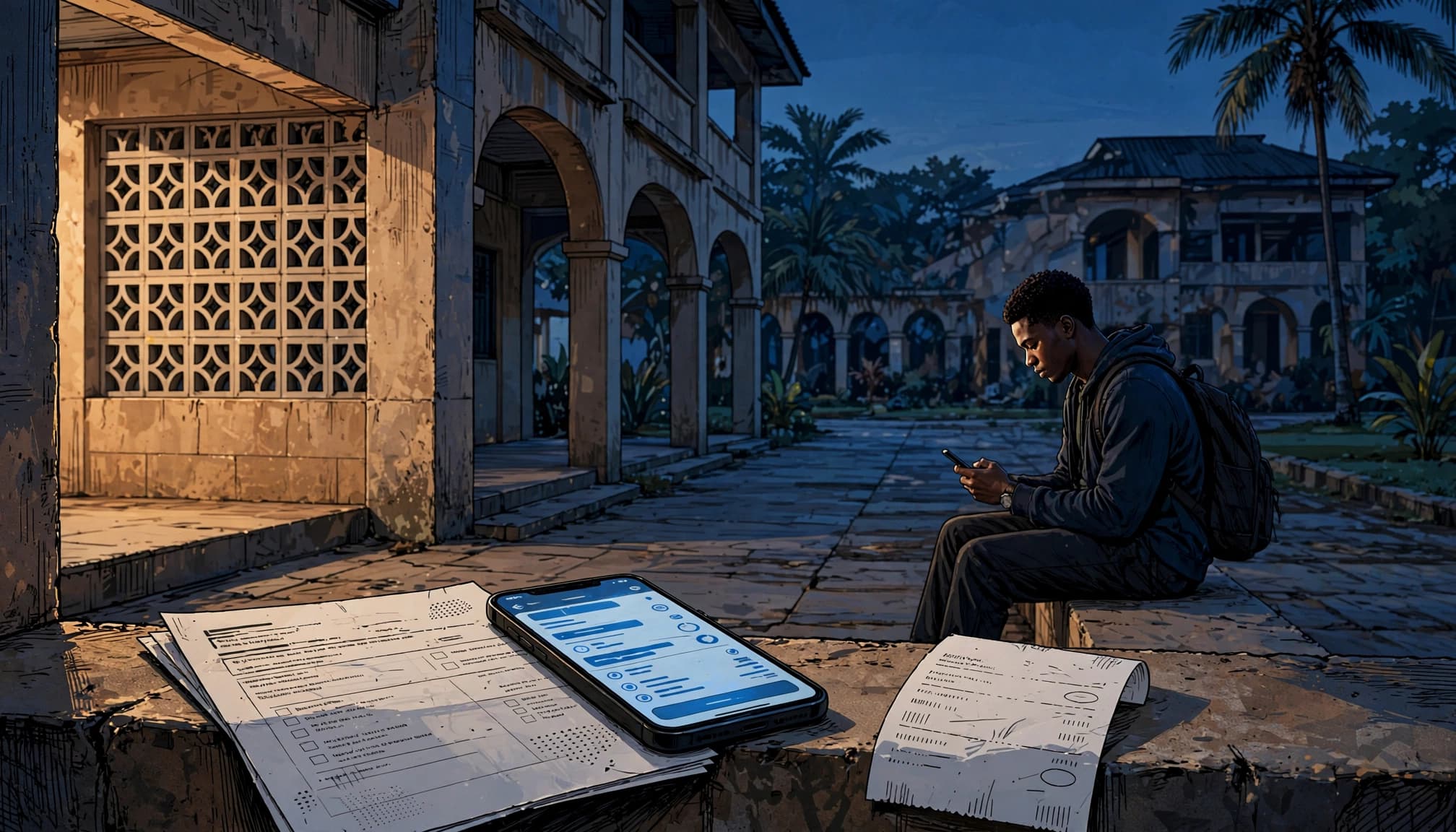
A realistic-looking payment page can still send money to the wrong place. Slow down before entering card details or approving a transfer.
Look beyond the logo
Check the complete web address in your browser. A copied logo, school colours, or familiar photos do not confirm that a site belongs to the university. Start from the university’s official website rather than searching for a payment page through an advert or a shared link.
Also check that the page identifies the correct session and exact fee. An old payment page may show a previous academic year, an expired account number, or a charge that no longer applies to your programme.
Confirm the displayed beneficiary
When your bank or payment provider shows a recipient name, compare it with the university’s stated payment instruction and your portal-generated invoice. Don’t assume a nearly identical name is correct.
A bank branch payment may require an invoice or RRR. Take the generated reference with you and ask the teller to confirm the payment purpose before you approve it. Keep the teller slip even if you later receive an online receipt.
University fee payment scams sometimes begin with a message claiming that the university “changed accounts.” Verify any such claim directly through the official bursary, admissions office, ICT help desk, or published support contact.
Protect Your Portal, Bank Details, and Identity
Universities and legitimate payment providers don’t need your PIN or one-time password through a personal phone call or messaging app. Those details can give another person access to your money or accounts.
Keep security codes private
Never send your ATM PIN, card CVV, internet-banking password, portal password, email password, or OTP to an agent, classmate, supposed staff member, or stranger online. Don’t allow someone to control your device while you enter these details.
Parents or guardians may provide the money, but the student should retain control of their portal login, email address, phone number, and payment evidence. A sponsor can pay using the correct portal-generated invoice without taking over the student’s account.
Be careful with documents too
Fraudsters may request a NIN slip, admission letter, passport photograph, transcript, ID card, or bank details before they will “release” a payment link. Some documents may be needed during real registration, but the school should request them through a verified process and explain why.
The NIMC fraud alert warns Nigerians against submitting NIN and identity details through unauthorised websites and social-media pages. Send documents only through the university route you independently confirmed.
Keep Complete Evidence After Payment
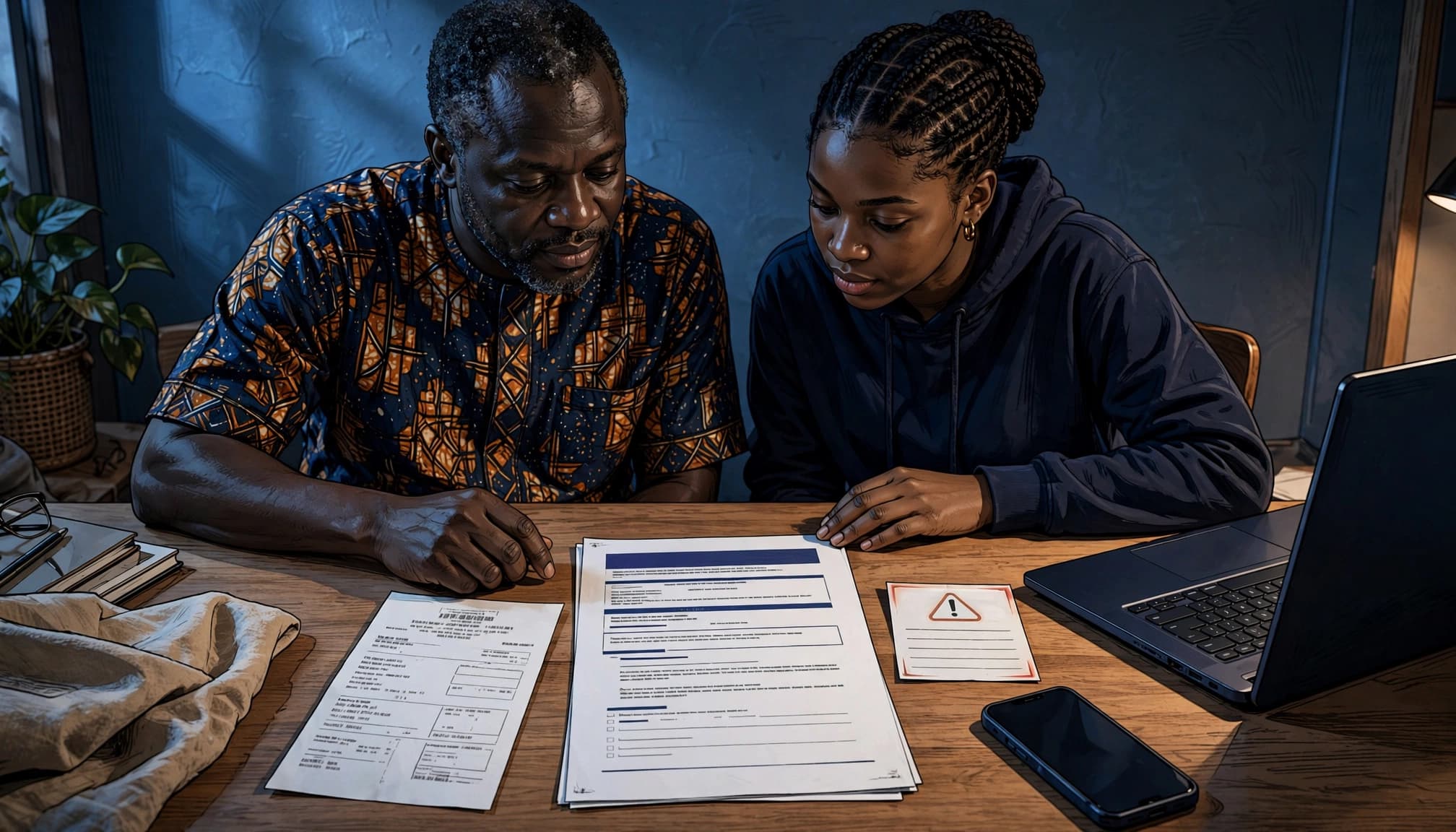
A debit alert proves that a bank processed a transaction. It doesn’t always mean the university has posted the fee to your student record. Keep evidence ready in case you need clearance, reconciliation, or support.
Save more than one receipt
Create a password-protected folder on your phone, computer, email, or cloud storage. Store the official payment notice, portal-generated invoice, RRR or reference, bank receipt, debit alert, e-payment receipt, and a screenshot of the successful portal status.
Useful file names make later searches easier. For example, include the fee type, academic session, date, and reference number. Keep official emails and support ticket numbers in the same folder.
Confirm the status in your student record
Return to the portal after payment and check whether the fee shows as paid. Confirm that the name, amount, session, and transaction reference are correct. The freshers’ clearance checklist also recommends downloading receipts immediately and checking those details.
If the portal has not updated, don’t make a second payment because of panic. Take screenshots, note the date and transaction reference, and follow any waiting period the university or provider states. Then contact the school’s official support route with the evidence requested.
What to Do When You Suspect Fraud
Act quickly, but stay organised. Save the message, account details, payment link, email address, profile name, receipt, and screenshots before deleting or blocking anything.
Contact your bank or payment provider first
If you sent money to a suspicious recipient, contact your bank or payment provider immediately through its official app, website, branch, or published customer-support number. Explain what happened and ask what steps are available for the transaction.
The CBN’s fraud and scam guidance tells customers to contact their financial institution promptly when they suspect fraud. Follow your bank’s instructions, provide accurate records, and don’t assume recovery is guaranteed.
Report the incident through proper channels
Notify the university through its official admissions, bursary, registry, or ICT contact so it can warn other students if someone is impersonating the institution. Include facts, not guesses: the date, amount, recipient, reference, account details, and copies of the suspicious request.
You can also use the NPF National Cybercrime Centre reporting portal or Scamwatch Nigeria’s cybercrime reporting service. Follow the instructions from your university, bank, payment provider, and relevant local authorities.
Frequently Asked Questions
Can a parent or guardian pay the fee for a student?
Yes. However, the payment should still use the student’s correct portal-generated invoice, RRR, or reference. The student should check the portal after payment and keep the receipts, confirmation screen, and account access under their control.
A sponsor should never need the student’s ATM PIN, OTP, email password, or university portal password to make a legitimate payment.
What should I do if the portal fails after my account is debited?
Save the debit alert, invoice, reference number, and screenshots of the error. Wait for the period stated by the university or payment provider, then contact the official support channel if the fee still hasn’t appeared.
Don’t retry the transaction through a random link or pay another person to “fix” the record. Use the university’s published contact details and ask for written guidance before making another payment.
Pay Carefully, Then Confirm
Safe payment habits don’t require special knowledge. They require a short pause before you act: verify the university channel, check the recipient and reference, protect your codes, and confirm the result in your portal.
A receipt matters, but portal confirmation matters too. Paying through the right channel and keeping clear records protects both your money and your place at university.





Add comment